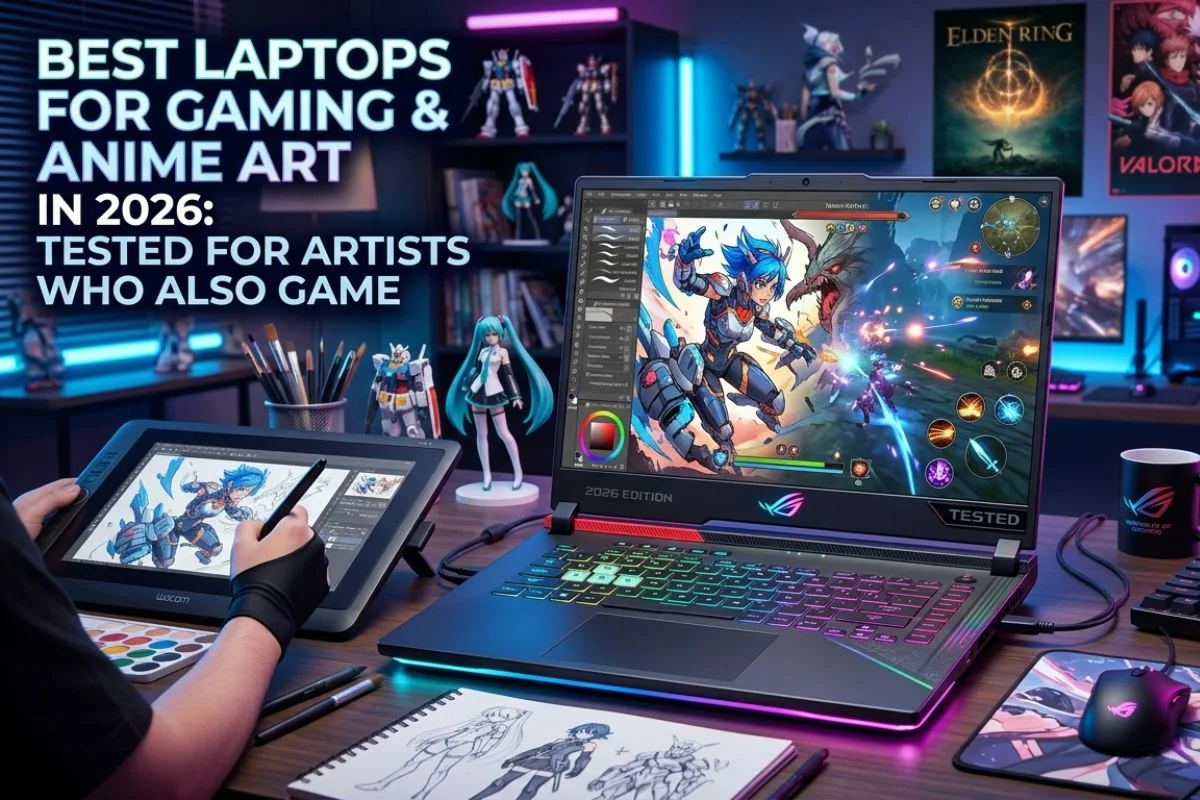
Finding a laptop that handles both gaming and digital illustration without compromising either is harder than it sounds. Gaming laptops tend to prioritise raw GPU performance and refresh rate over colour accuracy — two things that matter enormously for anime art. Creative laptops go the other direction: beautiful displays, excellent colour calibration, and battery life that gaming machines rarely bother with.
The good news is that the line between these two categories has blurred considerably in 2026. Several laptops now offer high-refresh displays with genuinely accurate colour panels, powerful enough GPUs to run both games and AI-assisted art tools, and build quality that holds up over time.
This guide covers the best laptops for anime artists who also game — evaluated on display quality, GPU performance, Clip Studio Paint and Photoshop compatibility, build quality, and overall value.
What to Look for in a Laptop for Anime Art and Gaming
Before getting into the picks, here is what actually matters for this specific use case:
- Display colour accuracy: For anime illustration, sRGB coverage above 95% is the minimum. DCI-P3 coverage above 80% is better. A gaming laptop with a 72% sRGB panel will make colour work frustrating — what looks right on screen will look wrong everywhere else.
- Display resolution: 1920×1200 or higher for artwork. 1080p is acceptable for gaming but tight for detailed illustration at normal zoom levels.
- GPU: For gaming, an RTX 4060 or above handles most titles at high settings in 2026. For AI art tools like Stable Diffusion locally, 8GB VRAM is the practical minimum, 12GB is comfortable.
- RAM: 16GB is the floor for running Clip Studio Paint and a game simultaneously. 32GB is significantly more comfortable for artists who also use Photoshop or run AI tools.
- Pen input: Most Windows laptops do not have built-in stylus support — artists will pair them with an external drawing tablet. A few do include touchscreen stylus support natively.
- Cooling: Laptops that thermal throttle under sustained GPU load become frustrating during long gaming sessions and AI generation runs. Cooling matters more than the spec sheet suggests.
The Best Laptops for Gaming and Anime Art in 2026
1. ASUS ROG Zephyrus G14 (2026) — Best Overall
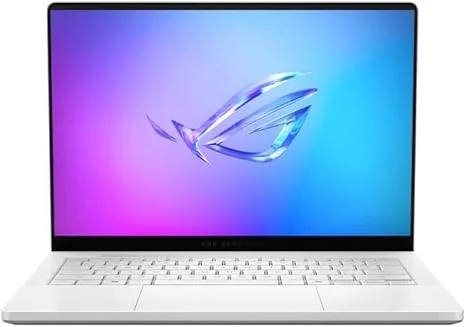
The ROG Zephyrus G14 has been the benchmark laptop for creative-minded gamers for a few years, and the 2026 model reinforces that position. The combination of an OLED display with near-perfect colour accuracy and AMD’s latest mobile GPU puts it in a category of its own for anime artists who also need serious gaming performance.
The 14-inch 2880×1800 OLED panel covers 100% DCI-P3 with exceptional contrast, which makes it genuinely viable for professional colour work — not just passable, but actually good. The AMD Radeon RX 7700S handles modern gaming at medium-to-high settings comfortably, and the Ryzen 9 CPU keeps Clip Studio Paint and Photoshop responsive even with large canvas files open.
What works well:
- OLED display with 100% DCI-P3 — one of the best screens on any laptop at this price
- Compact and relatively light at 1.65kg for a gaming laptop with this spec
- Excellent thermals — sustained performance without aggressive fan noise during art sessions
- MUX switch allows switching between a discrete and an integrated GPU for battery savings when just drawing
Where it falls short:
- 14 inches is on the smaller side for detailed illustration work — external monitor recommended for long sessions
- Battery life drops significantly during gaming, though art-only sessions last well
- Price sits at around $1,499 — the premium end of this list
Best for: Anime artists who want a genuinely portable all-rounder with a professional-grade display that also handles gaming without compromise.
2. Lenovo Legion Pro 5i (2026) — Best Value for Gaming Performance
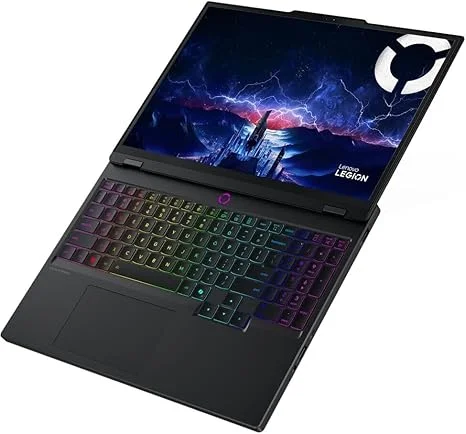
The Legion Pro 5i is the answer for anyone who wants serious gaming performance and a good-enough display for anime art without paying ASUS ROG or Razer prices. The 16-inch 2560×1600 IPS panel covers 100% sRGB and around 85% DCI-P3 — not OLED-level, but accurate enough for illustration work that is not going to professional print.
The Intel Core i7 and RTX 4070 combination handles demanding games at high settings and runs Stable Diffusion locally with 8GB VRAM in a comfortable workflow. The 32GB RAM configuration on the mid-tier model is genuinely appreciated for artists who keep Clip Studio Paint, a browser with reference images, and a game running simultaneously.
What works well:
- RTX 4070 with 8GB VRAM — capable for both gaming and local AI art generation
- 16-inch display gives more canvas real estate for detailed illustration work
- 32GB RAM on mid-spec model handles heavy multitasking without slowdown
- Competitive pricing at around $1,199 for the configuration most artists will want
Where it falls short:
- IPS panel cannot match the contrast and vibrancy of an OLED display
- The design is distinctly “gaming laptop” — thick, with RGB accents that some users find excessive
- Fan noise under full GPU load is noticeable
Best for: Gamers who illustrate seriously but are not doing professional print work, and want maximum performance per dollar.
3. MacBook Pro 14-inch M4 Pro — Best for Anime Artists Who Prioritise the Display and Software
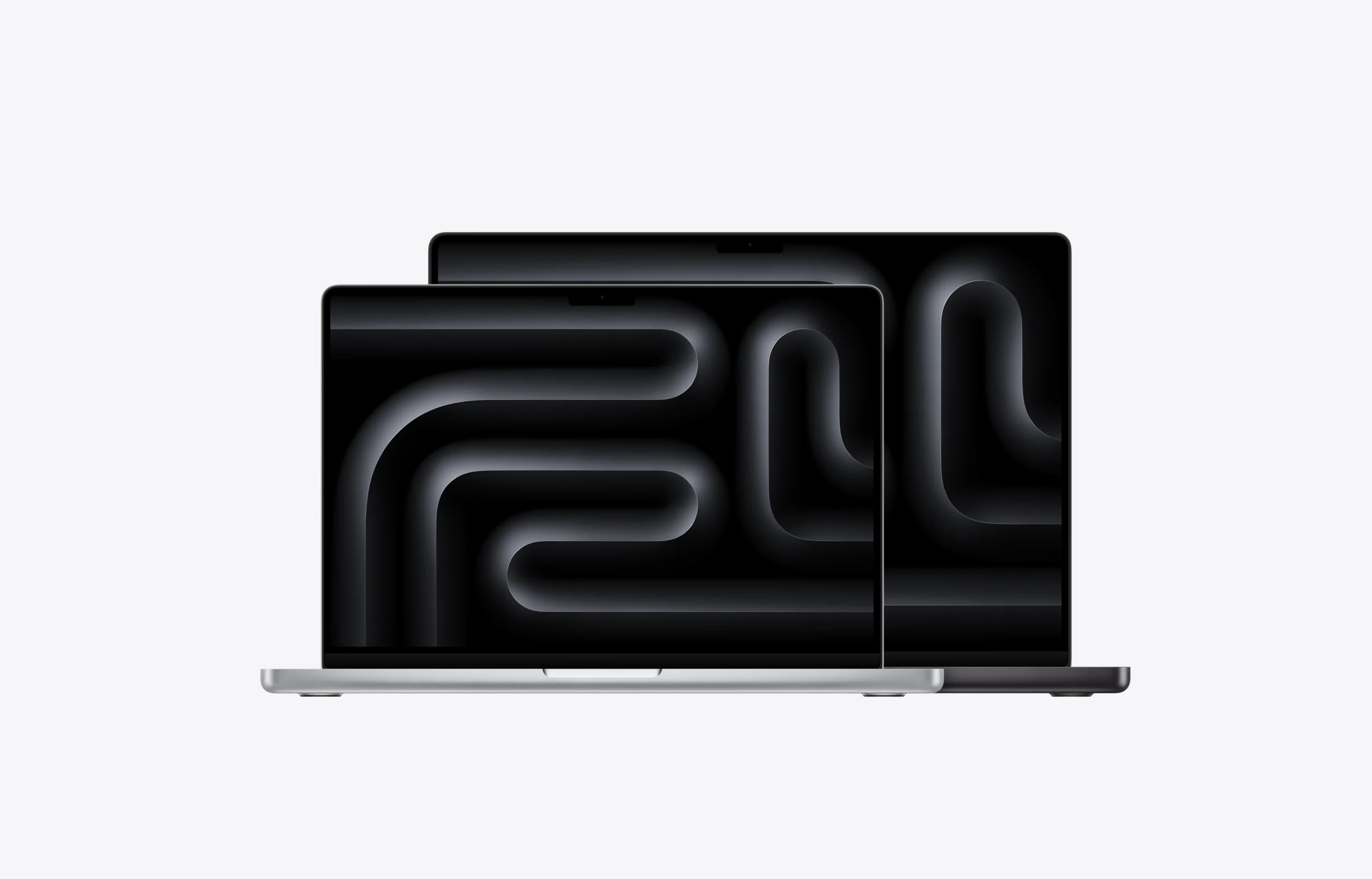
The MacBook Pro is not a gaming laptop by any conventional measure — macOS game library is limited, and gaming on Mac has historically meant waiting for ports that arrive late, if at all. But for anime artists who do light gaming and primarily need a laptop for illustration, it deserves a place on this list.
The Liquid Retina XDR display is factory-calibrated to cover 100% DCI-P3 with exceptional accuracy straight out of the box — no calibration needed. Clip Studio Paint runs natively on Apple Silicon and is noticeably more responsive on the M4 Pro than on comparable Windows machines. The battery life during art sessions is in a different league from any Windows gaming laptop. And the build quality and keyboard are simply the best on any laptop.
What works well:
- The best laptop display available for colour-critical illustration work
- Exceptional battery life — 14–18 hours on art-only workloads is realistic
- Clip Studio Paint, Procreate (via Sidecar with iPad), and most creative apps run exceptionally well
- Silent during illustration sessions — no fan noise unless under sustained load
Where it falls short:
- macOS gaming library is significantly smaller than Windows — not suitable as a primary gaming machine
- Expensive at $1,999 for the M4 Pro configuration
- No discrete GPU in the traditional sense — not compatible with local Stable Diffusion workflows in the same way Windows laptops are
Best for: Anime artists who do light or casual gaming, prioritise illustration performance and display quality above all, and live in Apple’s ecosystem.
4. ASUS TUF Gaming A15 (2026) — Best Budget Pick Under $800
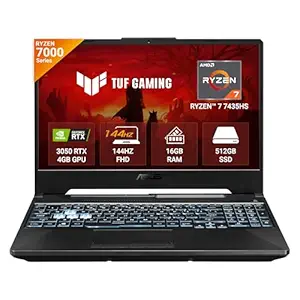
Not every artist-gamer has $1,200–$1,500 to spend on a laptop. The ASUS TUF Gaming A15 makes a strong case for the budget bracket: the RTX 4060 GPU handles most current games at 1080p high settings, the 15.6-inch 1080p IPS display covers around 90% sRGB — acceptable for hobbyist illustration —, and the build quality is significantly better than the price suggests.
It will not replace a dedicated drawing tablet for serious illustration work, and the display is not colour-accurate enough for professional art. But for a student, hobbyist anime artist, or casual gamer who wants one machine that handles both without breaking the budget, the TUF A15 does the job.
What works well:
- RTX 4060 for solid gaming performance at 1080p high settings
- Sturdy build — the TUF range is known for holding up over time
- 16GB RAM upgradeable to 32GB with an affordable aftermarket stick
- Generally available for under $800, often lower during sales
Where it falls short:
- 90% sRGB display is passable but not great for serious illustration colour work
- 1080p resolution feels slightly cramped for detailed character illustration at normal zoom
- Heavier and bulkier than premium alternatives
Best for: Students and hobbyists who want a capable gaming laptop that handles Clip Studio Paint and digital illustration without spending over $800.
5. Razer Blade 16 (2026) — Best Premium All-Rounder
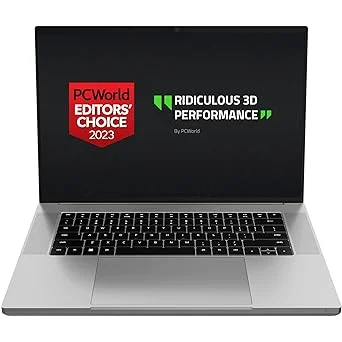
The Razer Blade 16 is the laptop for someone who wants everything: a Mini-LED display with outstanding colour accuracy, an RTX 4090 that handles any game at maximum settings, a build quality that matches Apple’s MacBook Pro, and enough RAM and storage to run every creative and gaming application simultaneously without thinking about it.
At around $2,999, it is an unapologetically premium product. The 16-inch 2560×1600 Mini-LED panel covers 100% DCI-P3, the dual-mode display switches between 240Hz for gaming and a power-efficient 60Hz mode for illustration work, and the cooling system handles sustained GPU load better than any laptop its size has a right to.
What works well:
- RTX 4090 — the most powerful mobile GPU available, handles everything
- Mini-LED display with 100% DCI-P3 and excellent local dimming
- Premium aluminium build comparable to MacBook Pro in terms of feel and finish
- Thunderbolt 4 and USB-C charging make external monitor setup clean and simple
Where it falls short:
- $2,999 is a significant investment — diminishing returns compared to the Zephyrus G14 at half the price for most use cases
- Battery life under gaming load is limited — this is a laptop that lives near a plug
- Heavy at 2.1kg for a 16-inch machine
Best for: Working professionals who need one machine for everything — serious gaming, professional illustration, and business use — and are not constrained by budget.
Do Anime Artists Actually Need a Laptop, or Is a Desktop Better?
For illustration work specifically, a desktop with a dedicated drawing display is almost always a better value than a laptop. A mid-range desktop with an RTX 4070 and a Wacom Cintiq or Huion Kamvas will outperform any laptop at the same price point and offer a better drawing experience.
Laptops make sense for artists who travel, work from multiple locations, or genuinely need portability. For someone who works from a fixed desk, the same budget put into a desktop and a quality external drawing display will produce better results across the board.
That said, the laptops on this list are the best current options for artists who specifically need portability — none of them is a compromise anyone would be embarrassed by.
Pairing a Laptop With a Drawing Tablet
Every laptop on this list pairs well with an external pen tablet or display tablet for illustration work. The recommended pairings:
- Budget setup (TUF A15 + XP-Pen Deco 01 V3): Total around $850 — a capable gaming and illustration rig for students and hobbyists.
- Mid-range setup (Legion Pro 5i + Huion Kamvas 13): Total around $1,400 — serious gaming performance with a proper display tablet for illustration.
- Premium setup (Zephyrus G14 + Wacom Cintiq 16): Total around $2,150 — a professional portable illustration and gaming setup.
Final Verdict
- Best overall for anime art and gaming: ASUS ROG Zephyrus G14 — OLED display, strong GPU, genuinely portable.
- Best value for gaming-first artists: Lenovo Legion Pro 5i — RTX 4070, 32GB RAM, solid display at a fair price.
- Best for artists who do light gaming: MacBook Pro 14-inch M4 Pro — the best display and illustration performance, limited gaming library.
- Best under $800: ASUS TUF Gaming A15 — capable enough for both gaming and hobbyist illustration without overreaching.
- Best premium all-rounder: Razer Blade 16 — the best of everything, at a price that reflects it.
For most people on this list, the Zephyrus G14 or Legion Pro 5i will be the right answer. The MacBook is worth serious consideration for artists who draw more than they game. And the TUF A15 remains the most sensible starting point for anyone working within a tight budget.
About the Author